
Lift waste away. Raise the standard for cleaner cities.
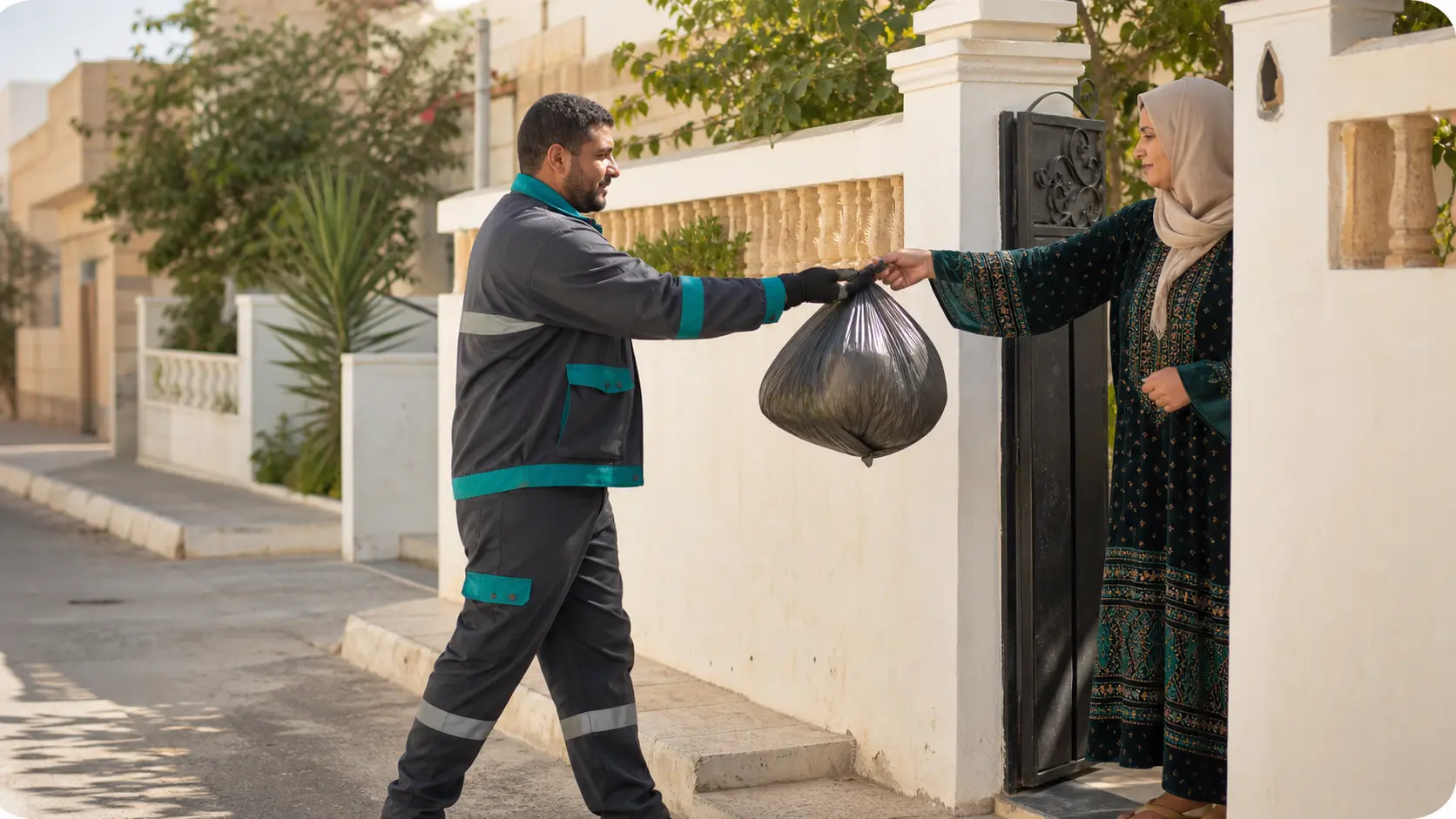
Erfa connects customers with professional collection drivers through clear schedules, smarter routes, and a dependable doorstep experience.
Available for Android and iPhone

Good morning
ارفع
Next collection
ScheduledThursday, 7:30 AM
Andalus, Tripoli
Weekly plan
Ready to start shift
Vehicle 04 · Compact truck
Assigned route
12 stops4 of 12 complete
1. Andalus district
2. Al-Nasr street
3. Siyahiya district
Built around clarity
Organized service
Clear schedules and plans managed from one place.
Clear updates
Notifications for driver approach and completed pickups.
More efficient routes
Operational planning that helps organize collection.
Waste collection, managed from your phone
Add your location, choose a service plan and schedule, and follow upcoming collections from one straightforward app.
Save precise pickup locations
Save precise pickup locations and check service availability.
Choose plan and schedule
Review available service plans and collection frequency.
Follow your pickups
See upcoming pickups and service activity.
Stay informed
Receive approach, completion, and service-issue notifications.
Good morning
ارفع
Next collection
ScheduledThursday, 7:30 AM
Andalus, Tripoli
Weekly plan
How to get started with Erfa
- 1
Add your location
Add and confirm the pickup location.
- 2
Choose your service
Choose the suitable plan and schedule.
- 3
Get ready for collection
Prepare for the scheduled doorstep collection.
Ready to start shift
Vehicle 04 · Compact truck
Assigned route
12 stops4 of 12 complete
1. Andalus district
2. Al-Nasr street
3. Siyahiya district
Everything a driver needs to complete the route
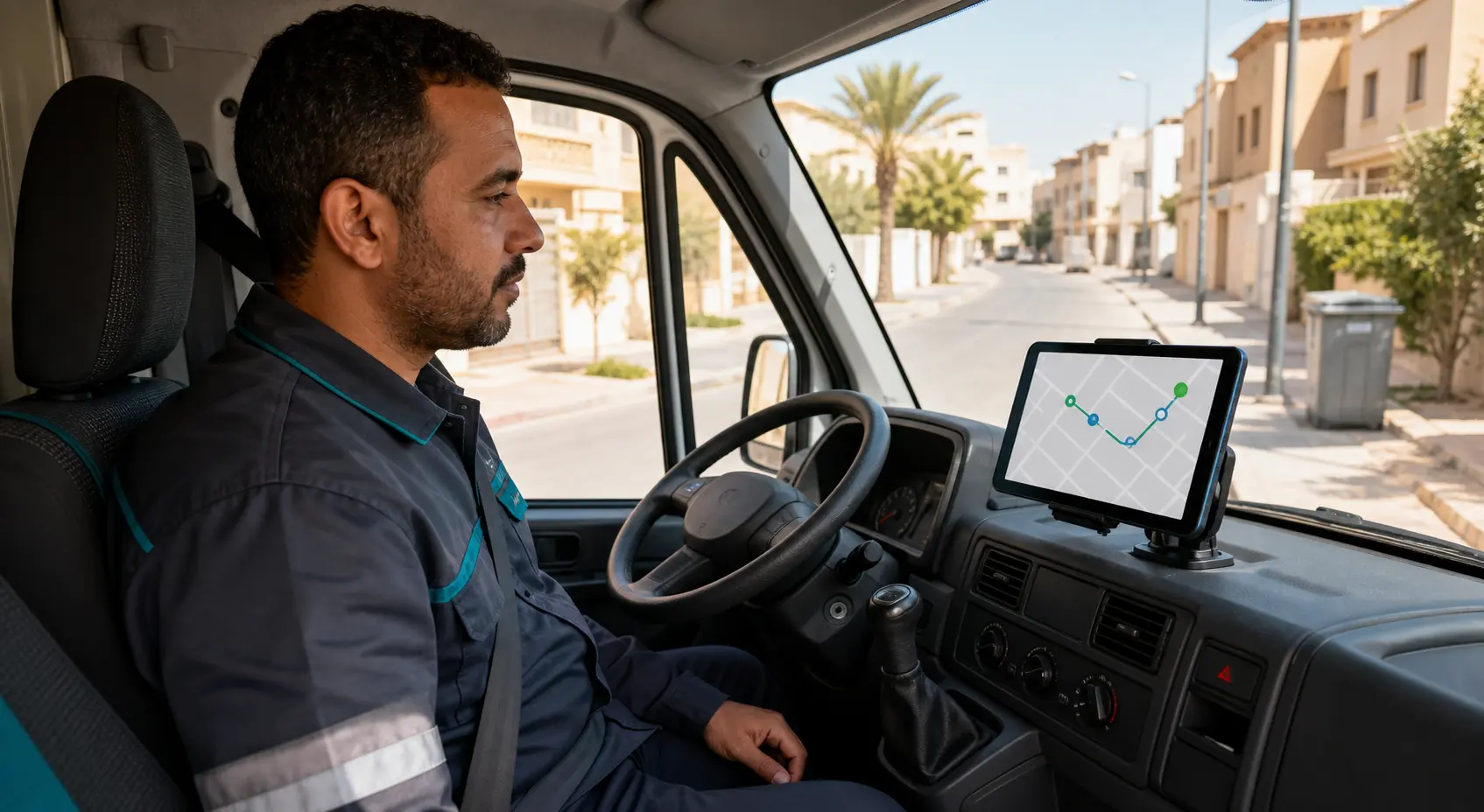
The Driver App presents shifts, routes, and collection stops in a clear order, while helping drivers record each outcome—even when connectivity is limited.
Shift and vehicle
Start or end a shift and use the assigned vehicle workflow.
A clear route
Review assigned routes and ordered stop manifests.
Update every stop
Record completed, skipped, or failed pickup outcomes.
Sync when back online
Preserve supported offline actions and synchronize them when connectivity returns.
Operational alerts
Receive route assignment, reassignment, and cancellation updates.
Progress summary
Review route progress and shift completion information.
Driver App access is available to approved drivers whose accounts have been activated by Erfa.
One coordinated service, end to end
The Customer and Driver apps work together as a single connected service.
- 1
Customer chooses
The customer picks a location and schedule.
- 2
Erfa prepares
Erfa operations prepare and assign the work.
- 3
Driver delivers
The driver follows the ordered route.
- 4
Outcome recorded
The pickup outcome is recorded.
- 5
Customer updated
The customer receives a service update.
- 6
Cleaner neighborhood
The neighborhood stays cleaner.

Technology in service of cleaner communities
Erfa combines an approachable customer experience with coordinated field operations to make collection clearer and more efficient.

Frequently asked questions
Answers to the most common questions about the Customer and Driver apps.
When you add your location in the app, it checks whether it falls within currently supported service areas and shows this before you confirm a subscription.
After choosing a service plan, you can select the collection frequency available within that plan, and the schedule appears in the app.
The app shows your next pickup, and you may receive notifications when the driver is approaching or when a pickup is completed.
You can review the pickup status in service activity inside the app and follow the next scheduled pickup, or reach out via the support page.
You can update pickup locations and notification preferences from account settings inside the app.
Driver accounts are activated by Erfa after approval and verification steps are completed. Downloading the app does not automatically approve you as a driver.
Make sure your account is activated and your shift has started; routes may not be available at all times or in all areas. Check operational alerts in the app.
The app supports certain actions offline and synchronizes them once connectivity returns.
You can record a stop outcome as failed or skipped with an available reason, and this appears in the route summary.
You can select the assigned vehicle when starting a shift and end the shift inside the app once the route is complete.
Ready to make waste collection easier?
Download the Customer App and start scheduling pickups.
An approved Erfa driver?
Download the Driver App to access your shifts and routes.